
5th Annual South Central PA Women in Business Conference
Hi, Women in Business friends!
Thank you so much for joining my session, Digital Confidence: Take Control of Your Business Online. Here's everything we covered, all in one place. Grab what you need, and reach out anytime.

“Digital Confidence: Take Control of Your Business Online”
Breakout Session 3 · 1:00 PMYour goodie bag
Everything from the session, in one place.
Bookmark this page so your worksheet, slides, and 30-day fix list are always one tap away.
-
Your Website Records worksheet
One place to record your domain, hosting, email, Google profile, social accounts, and who has access to each. (No passwords!)
Download the PDF -
Your 30-day fix list
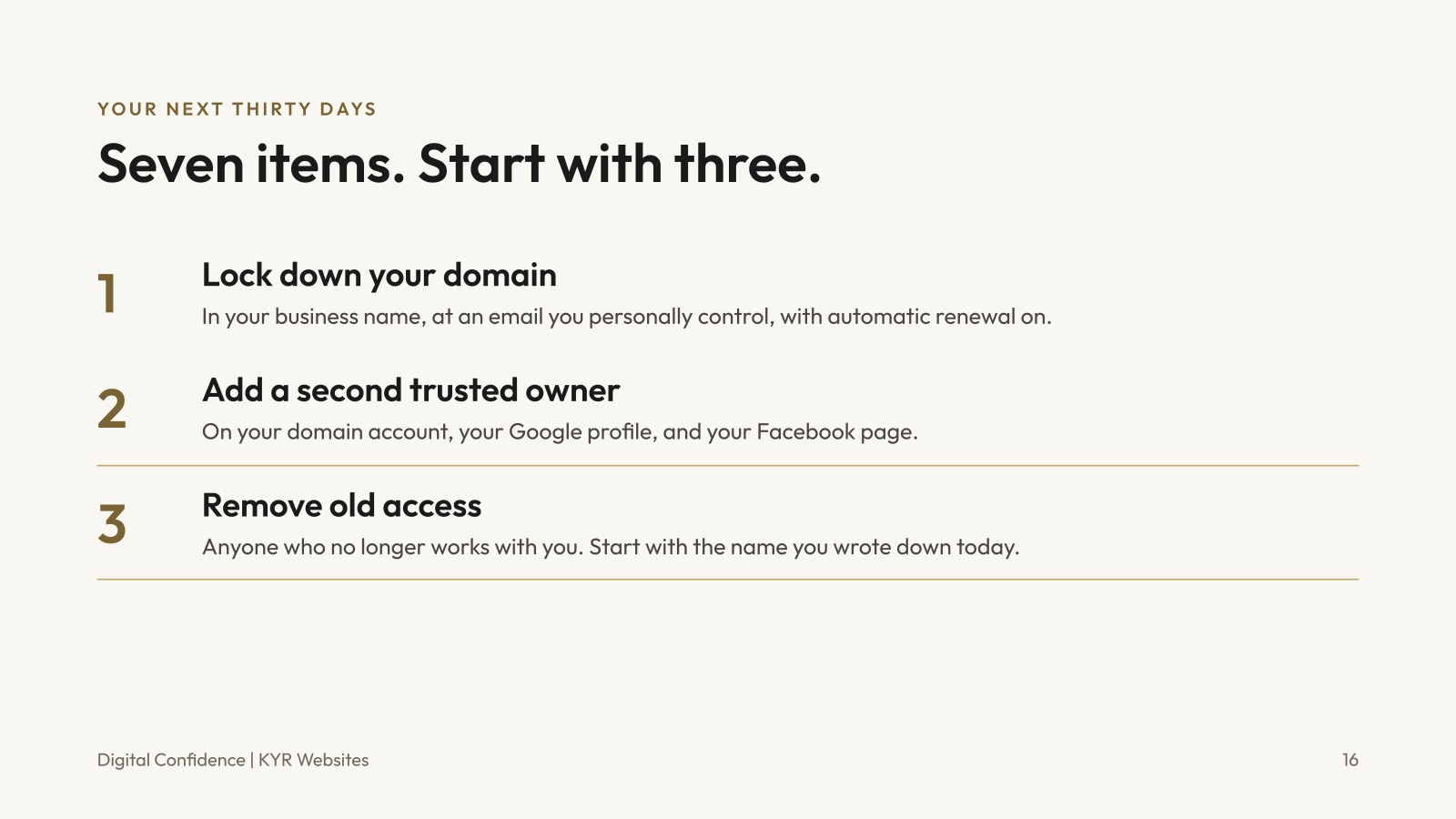
Seven quick fixes to tackle in the next 30 days to take back control of your business online.
See the list -
The slides
Everything from the session, so you don't have to take notes.
Flip through them Download PDF -
Links + tools I mentioned
All the helpful resources from the session, in one list.
See the list -
A free website chat
Want me to take a look at your website? The first conversation is free, with zero pressure.
Book it -
20% off your first website
My Fall 2026 special, for anyone launching their very first site.
See the offer
The slides
Flip back through the session.

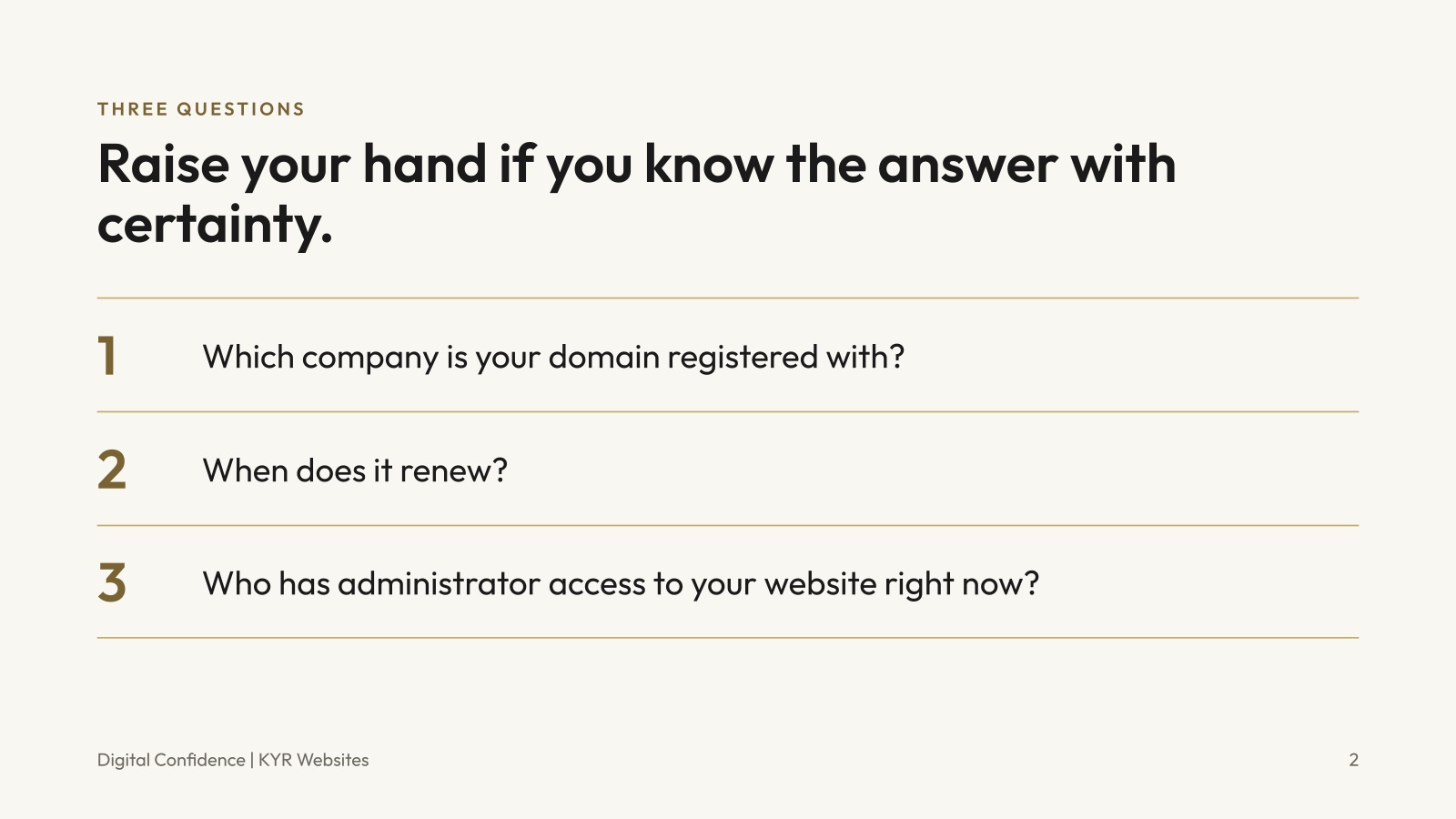
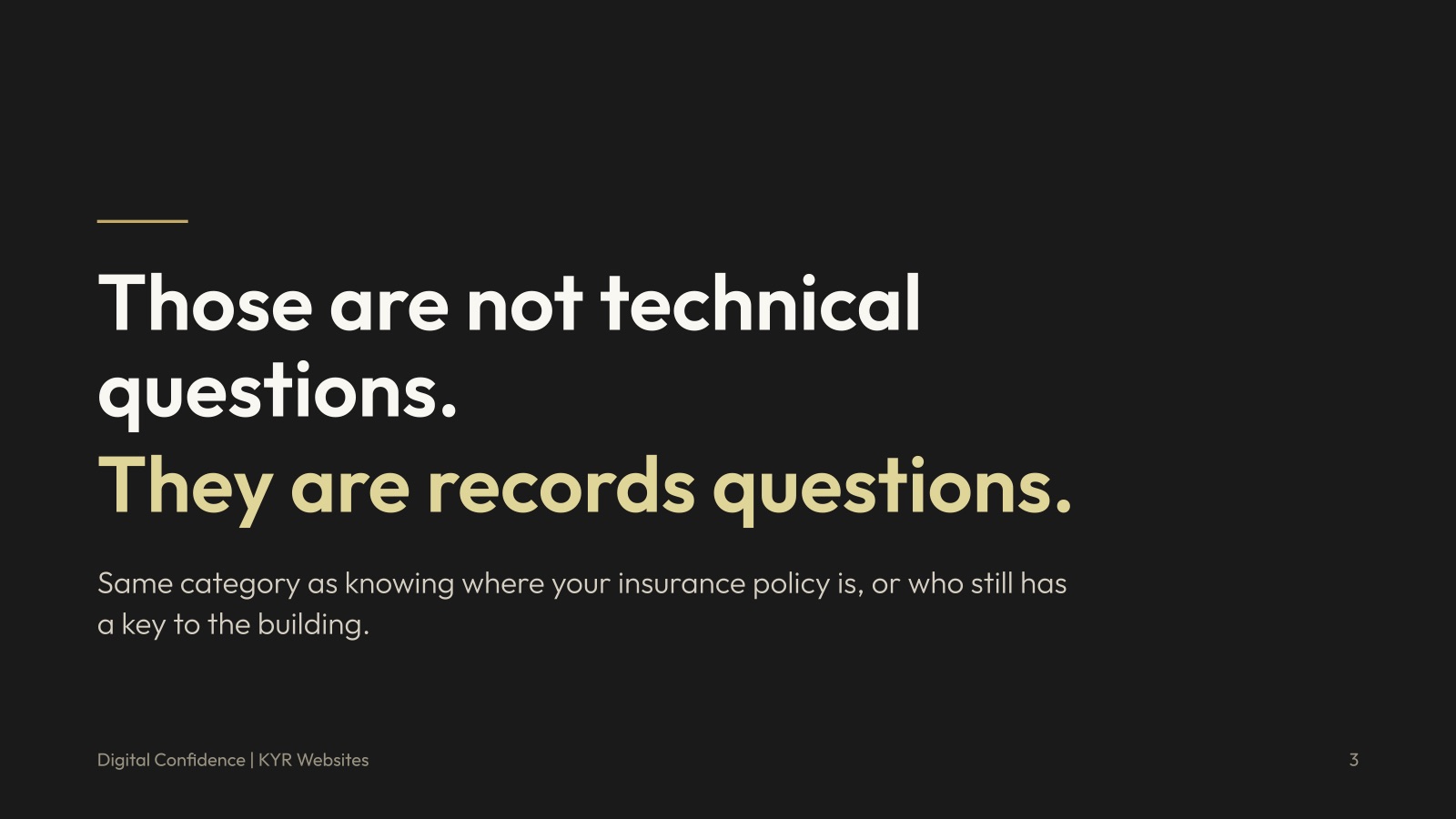
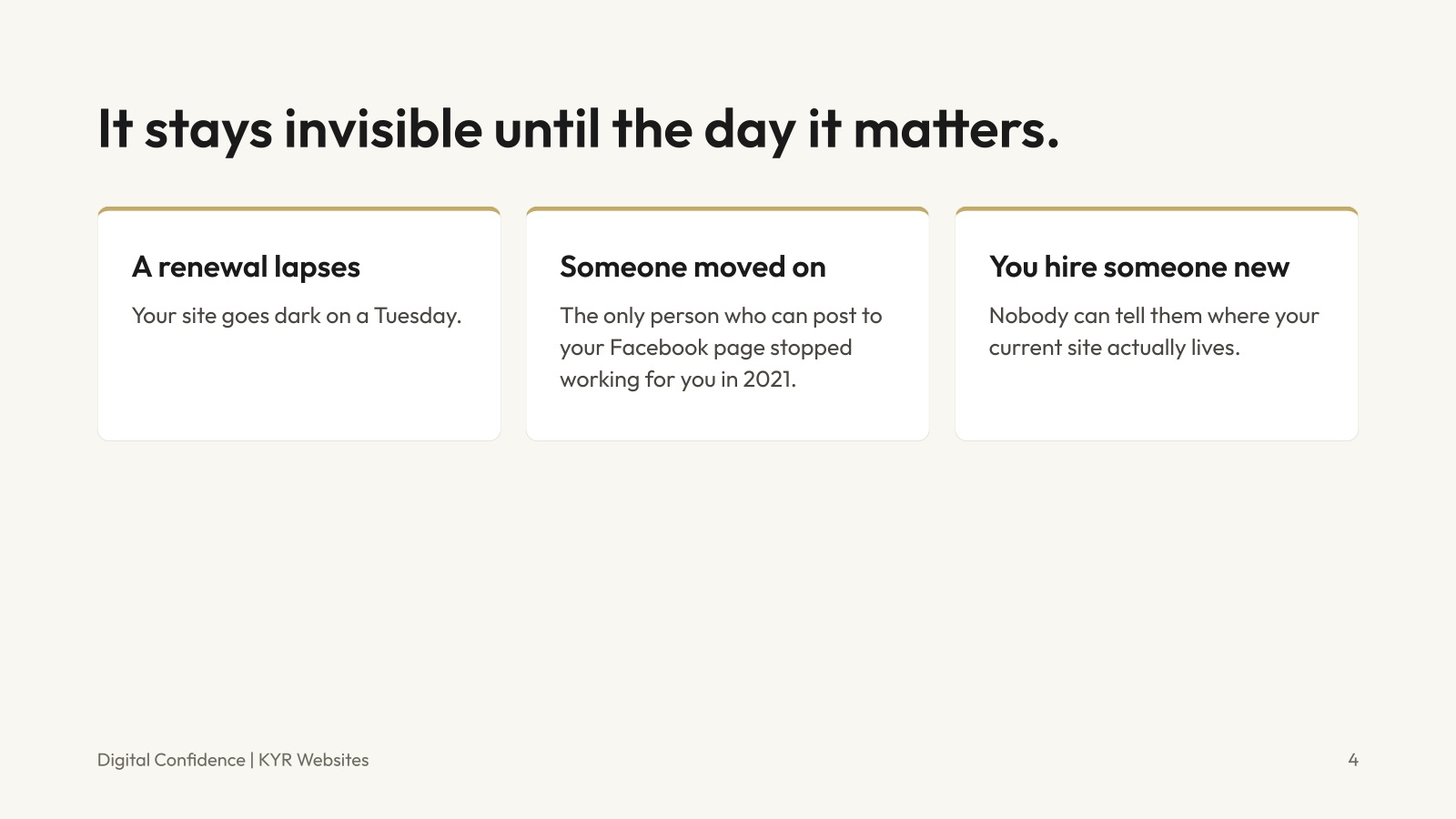
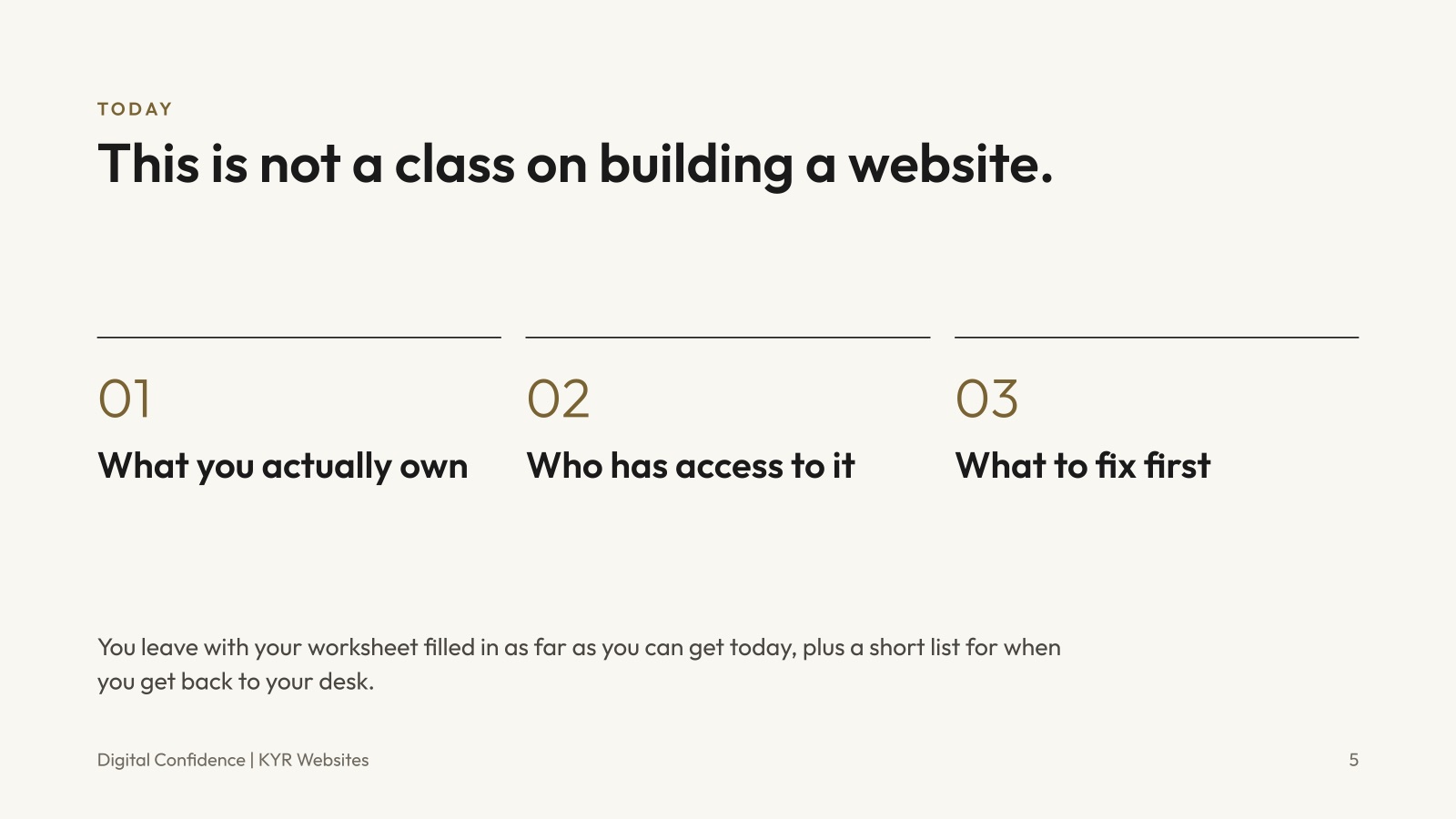
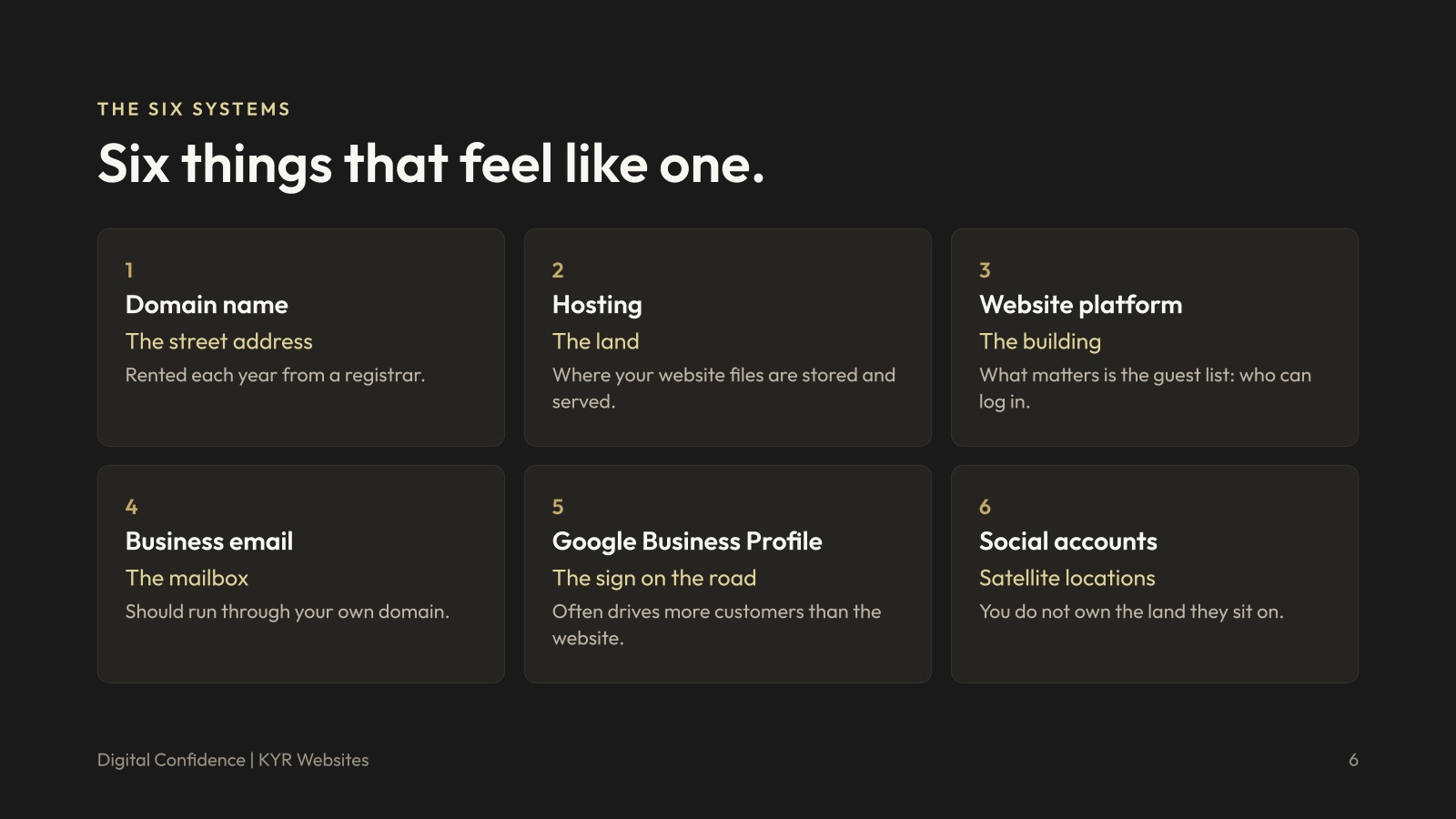
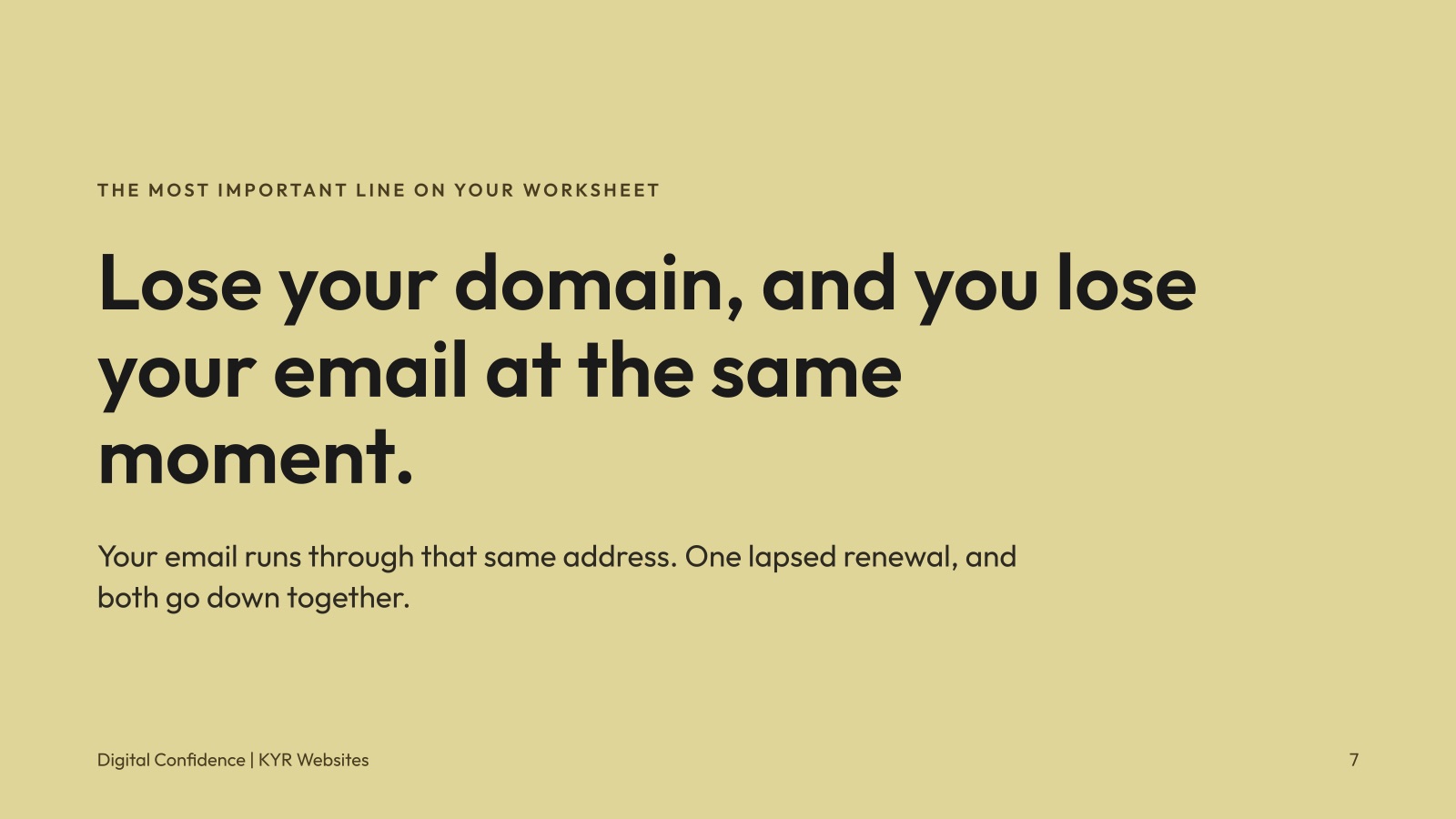
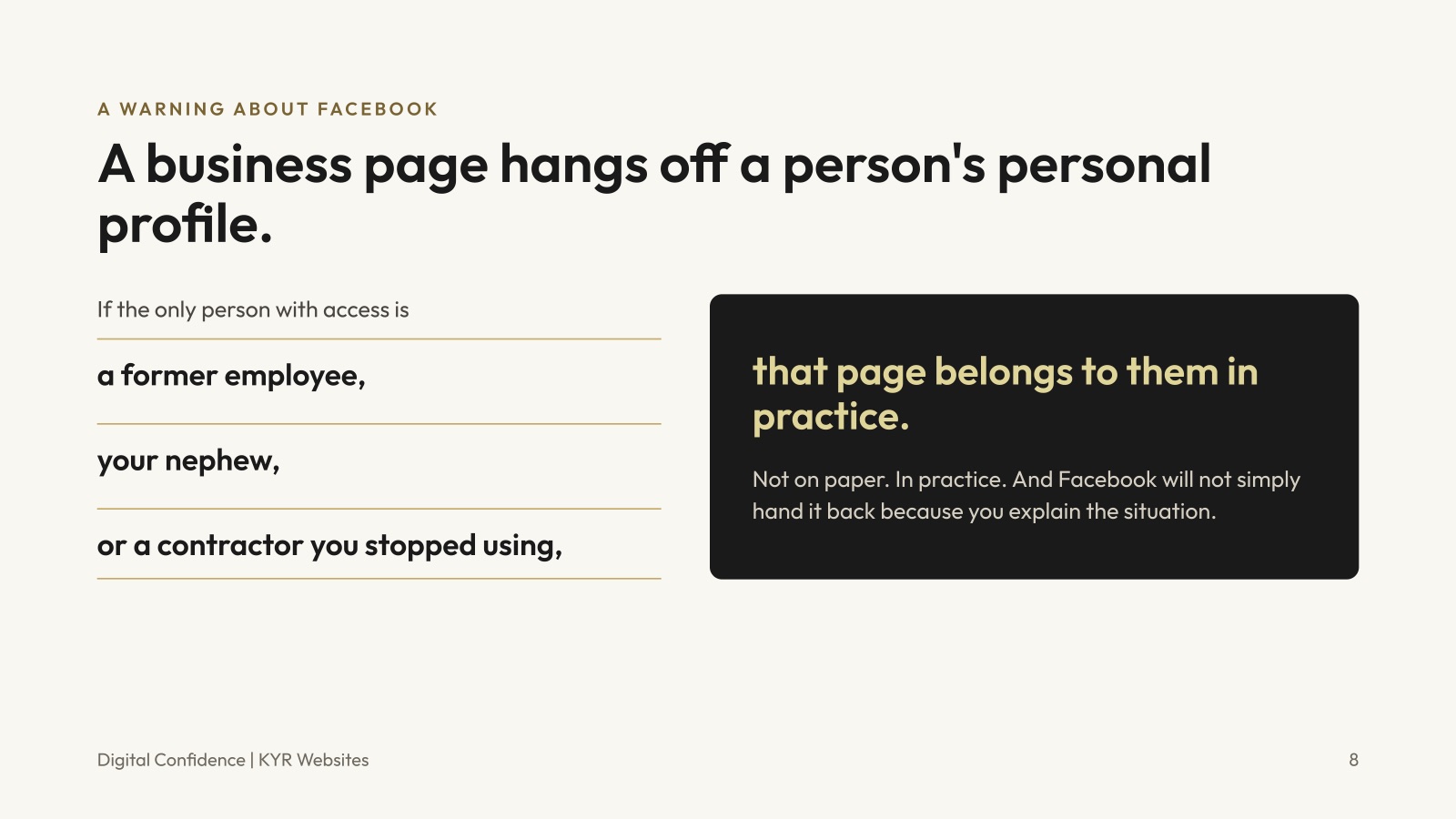
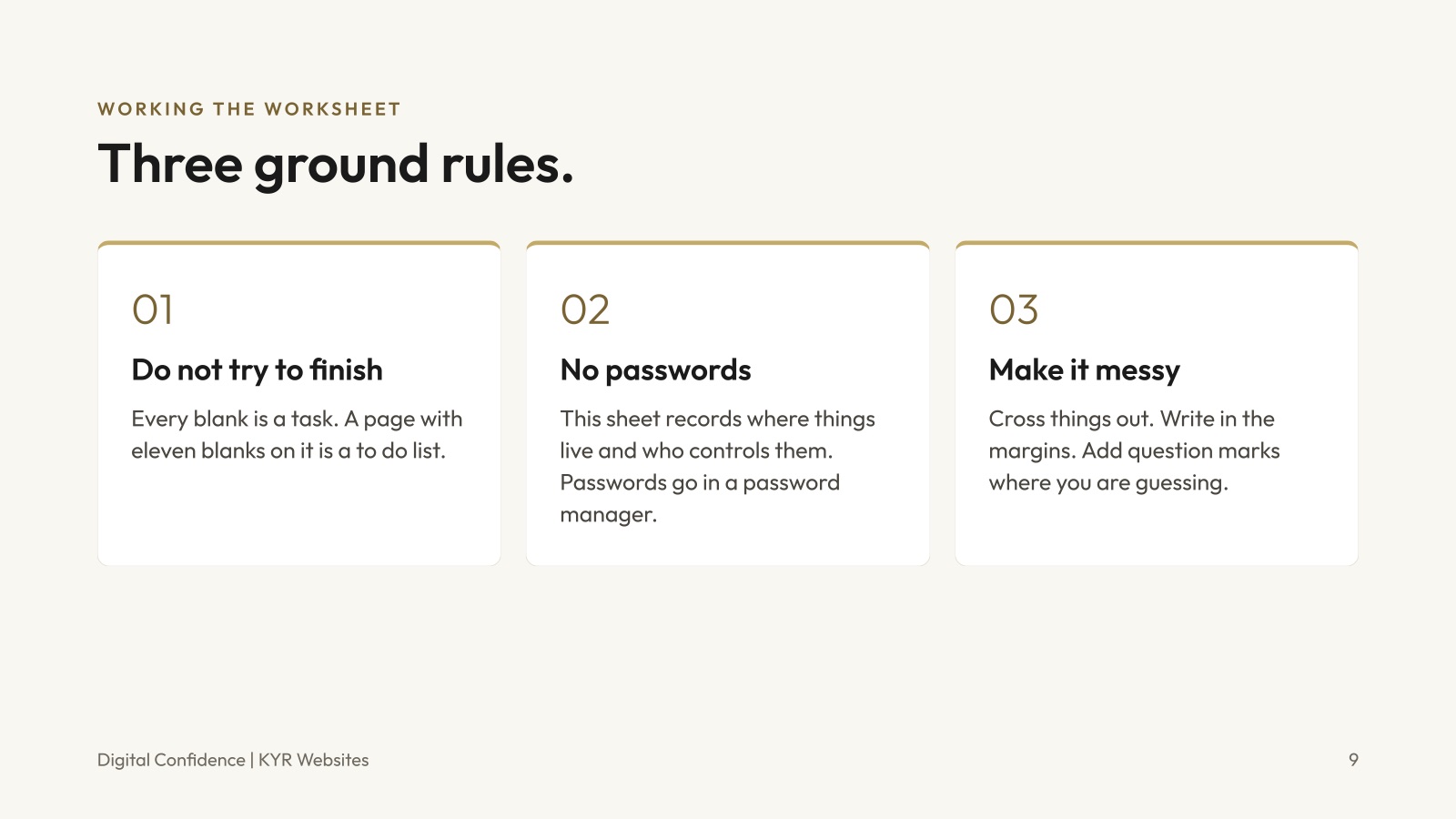


From your Website Records worksheet · Section 13
Do these in the next 30 days.
0 of 7 done
Your check marks are saved on this device, so you can come back and finish the list over the next month. Need the full worksheet? Download it here. Stuck on one? I can help.
Links + tools
Every link from the session.
Grouped the same way as your worksheet. All links go to official sources. Products named here are examples only, not endorsements.
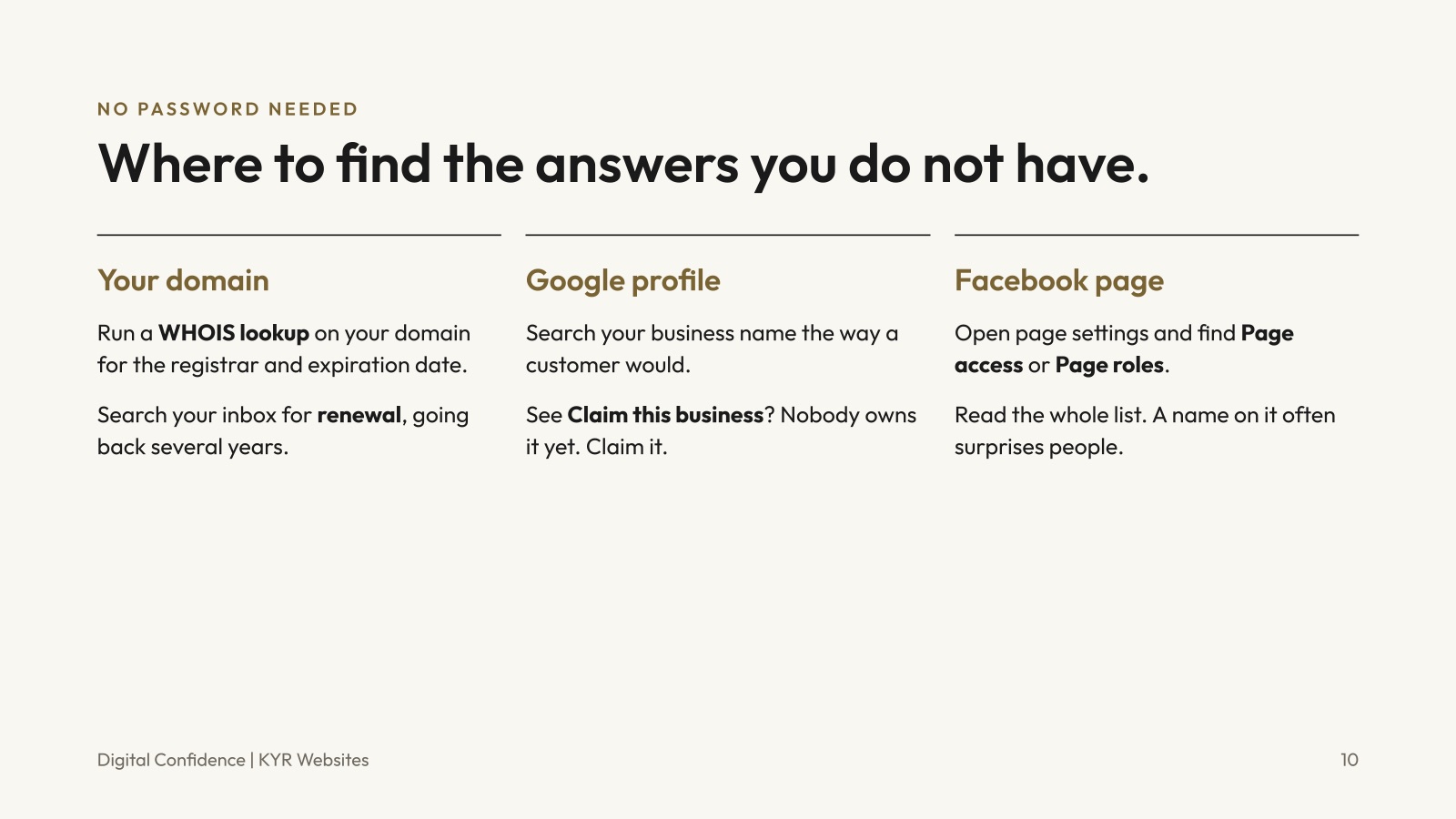
Your domain
- WHOIS Lookup (ICANN)
Type in your domain to see who it is registered with and when it expires. No login needed. This is the WHOIS lookup from the session.
- Information for Domain Name Registrants (ICANN)
Plain language guidance on your rights as a domain owner, including renewals and transfers.
- Transferring Your Domain to Another Registrar (ICANN)
How to move your domain when you need it under your own control.
- Search your inbox for “renewal”
Set the date range back several years. Renewal receipts name the company that holds your domain.
Your Google Business Profile
- Google Business Profile
Sign in to check whether you can edit your listing. Searching your business name the way a customer would also shows whether a profile exists.
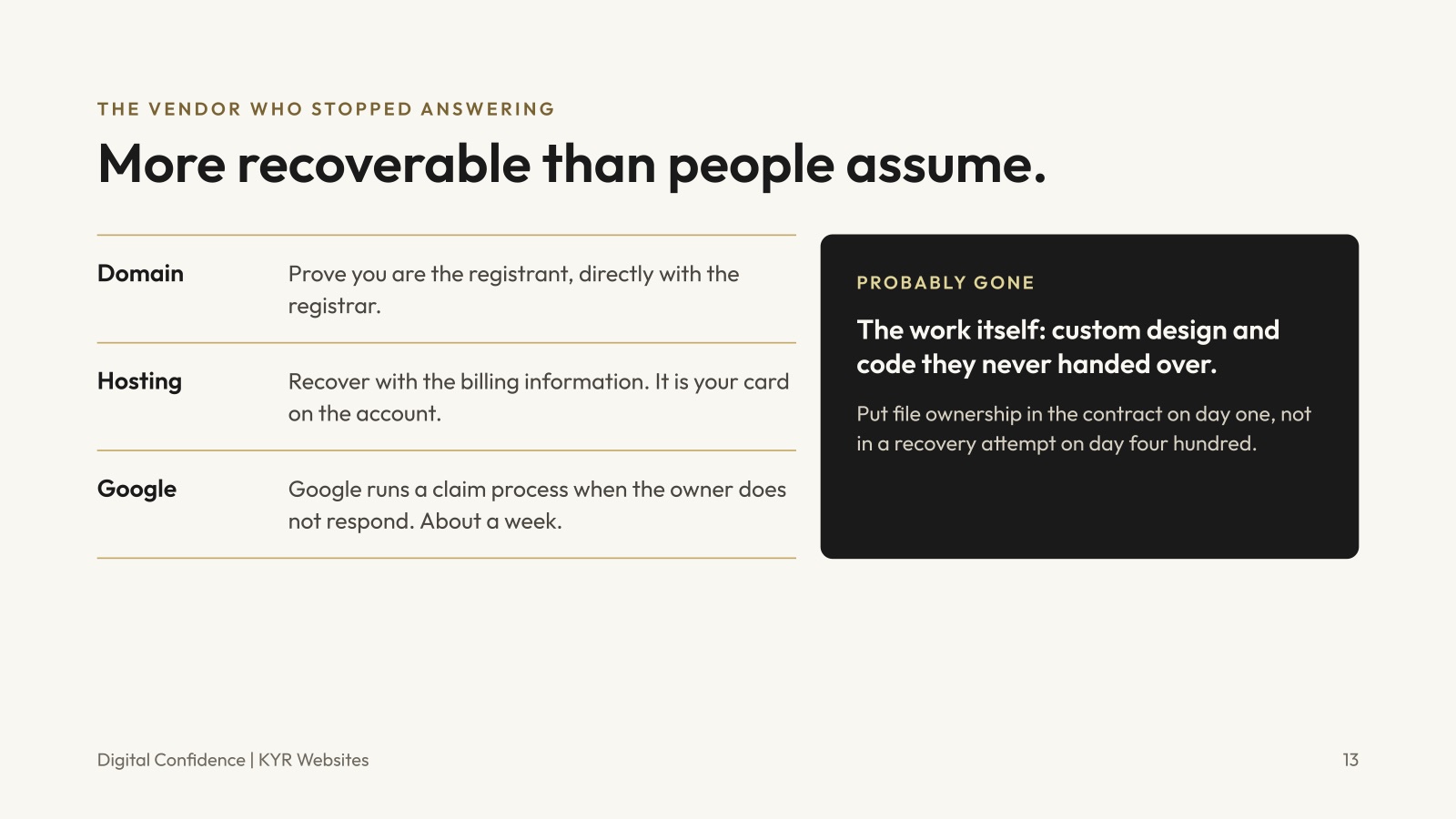
- Request Ownership of a Business Profile
Google's process when someone else has claimed your profile and is not responding.
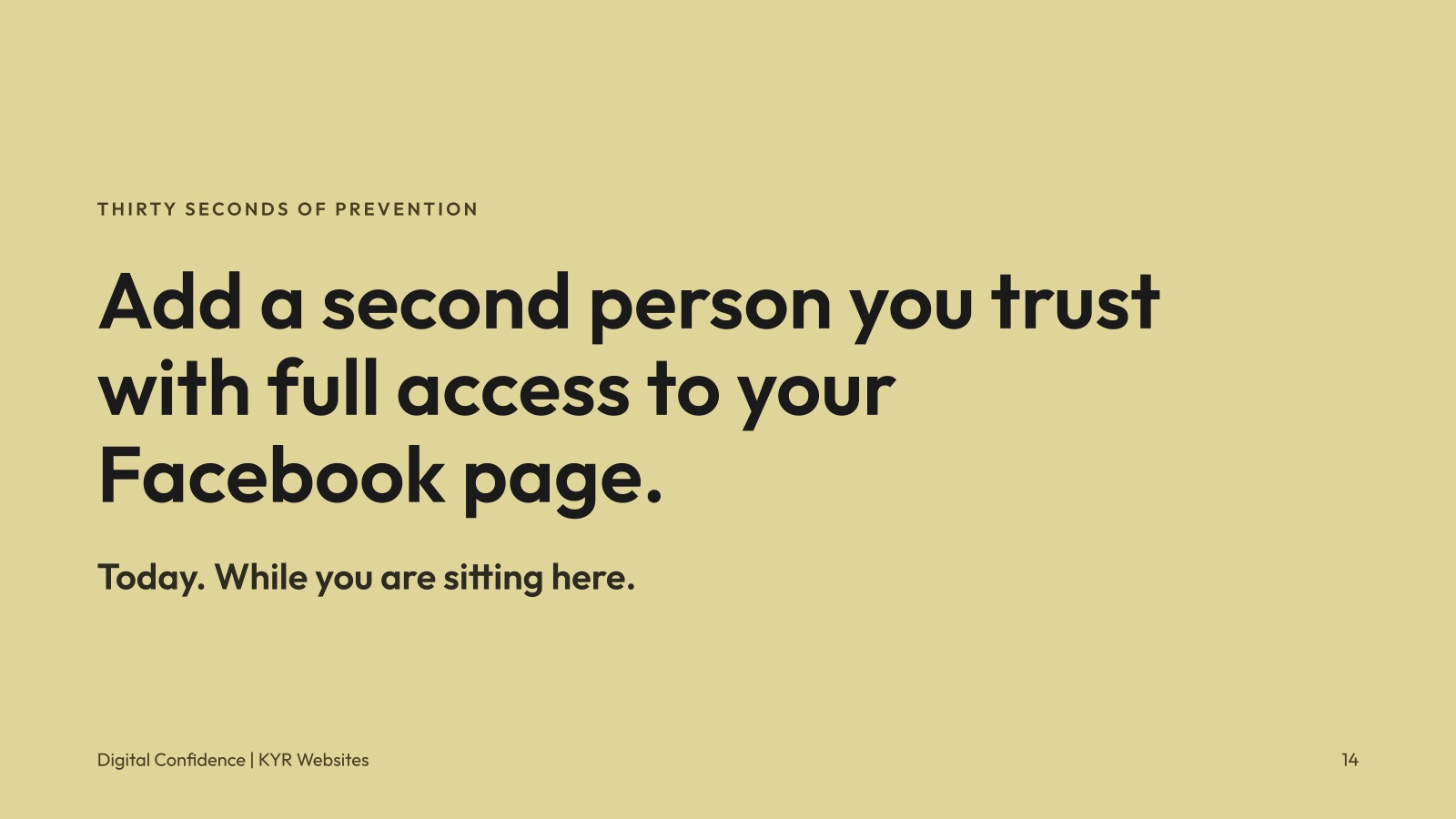
- Add or Remove Owners and Managers
How to add a second trusted owner, and how to remove people who no longer work with you.
Your Facebook page
- Give, Edit or Remove Facebook Page Access
See everyone who can manage your page, add a second trusted person, and remove anyone who should not be there.
- About Facebook Page Access
What each access level can do on your page.
Keeping records safe
From the session
- Website Records Worksheet (PDF)
A clean copy of the worksheet to fill in or share with your team.
- Session Slides (PDF)
All 19 slides from Digital Confidence.
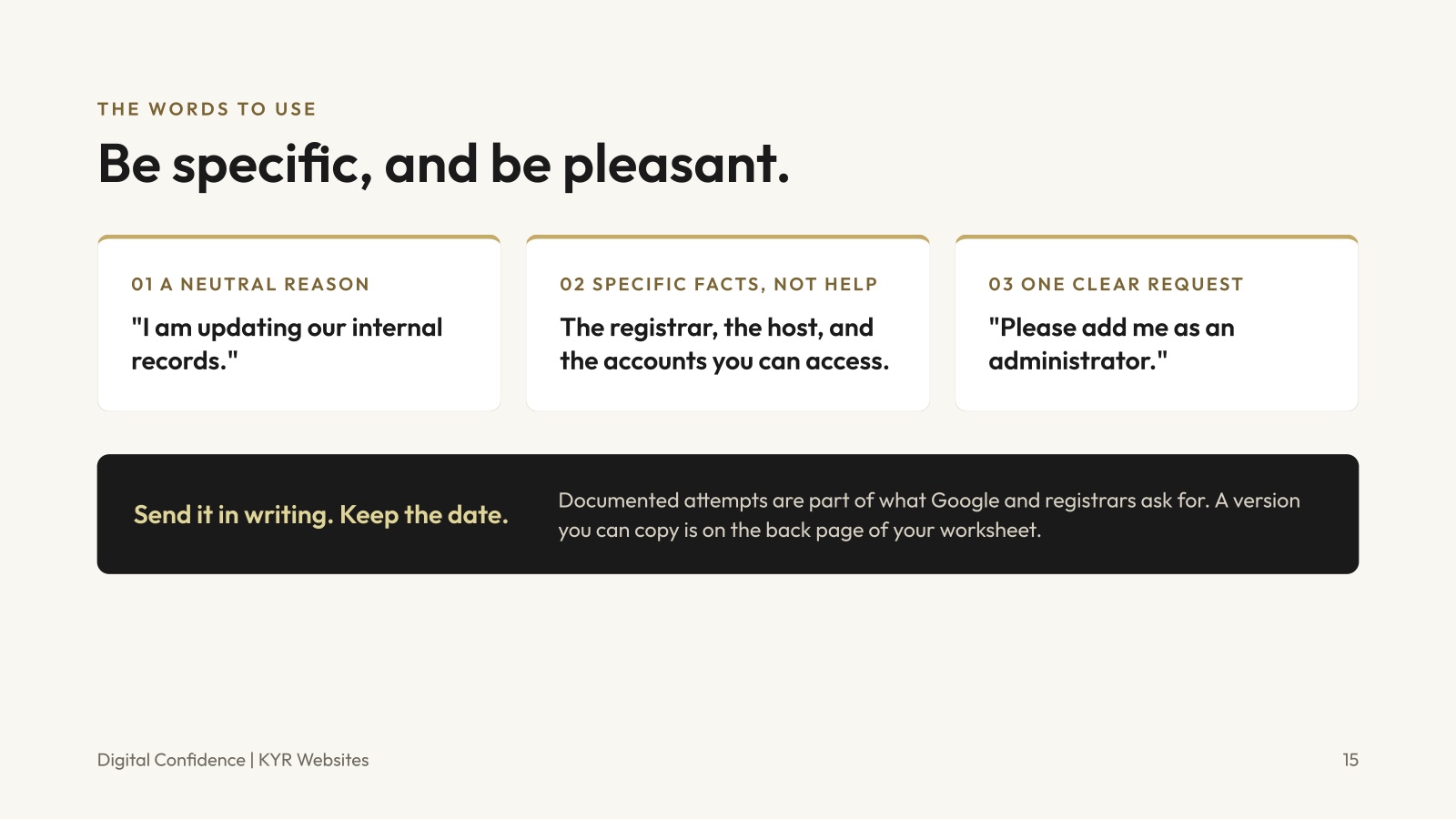
Copy and paste this, fill in the brackets, and send it in writing. Keep the date you sent it.
Hi [name], we are updating our internal records. Could you confirm which registrar holds our domain, which company hosts the site, and which accounts you currently have access to? We would also like to add [your name and email] as an administrator on the website and as an owner on our Google Business Profile. Thank you for your help with this.
Keep learning
Keep building your digital confidence.


Let's stay in touch
Let's build something awesome together.
It was so great meeting you at Women in Business! Tell me about your business, your website, or the account you're not sure who controls. The first chat is free, and there's zero pressure.
- Phone717-729-8316
- Emailkylie@kyrwebsites.com
- Social